> ## Documentation Index
> Fetch the complete documentation index at: https://forest-chore-open-api.mintlify.site/llms.txt
> Use this file to discover all available pages before exploring further.
# Smart Segments
### What is a Smart Segment?
A **Segment** is a subset of a collection: it's basically a saved filter of your collection.
Segments are designed for those who want to *systematically* visualize data according to specific sets of filters. It allows you to save your filters configuration so you don’t have to compute the same actions every day.
A **Smart Segments** is useful when you want to use a complex filter, which you'll add as code in your backend.
### Creating a Smart Segment
Sometimes, segment filters are complicated and closely tied to your business. Forest allows you to code how the segment is computed.
On our Live Demo example, we’ve implemented a Smart Segment on the collection `products` to allow admin users to see the bestsellers at a glance.
```ruby theme={null}
class Forest::Product
include ForestLiana::Collection
collection :Product
segment 'Bestsellers' do
productIds = Product.joins(:orders).group('products.id').order('count(orders.id)').limit(10).pluck('products.id')
{ id: productIds }
end
end
```
Ensure the file app/forest/\_\_init\_\_.py exists and contains the import of the previous defined class :
The 2nd parameter of the `SmartSegment` method is not required. If you don't fill it, the name of your SmartSegment will be the name of your method that wrap it.
 ### Setting up independent columns visibility
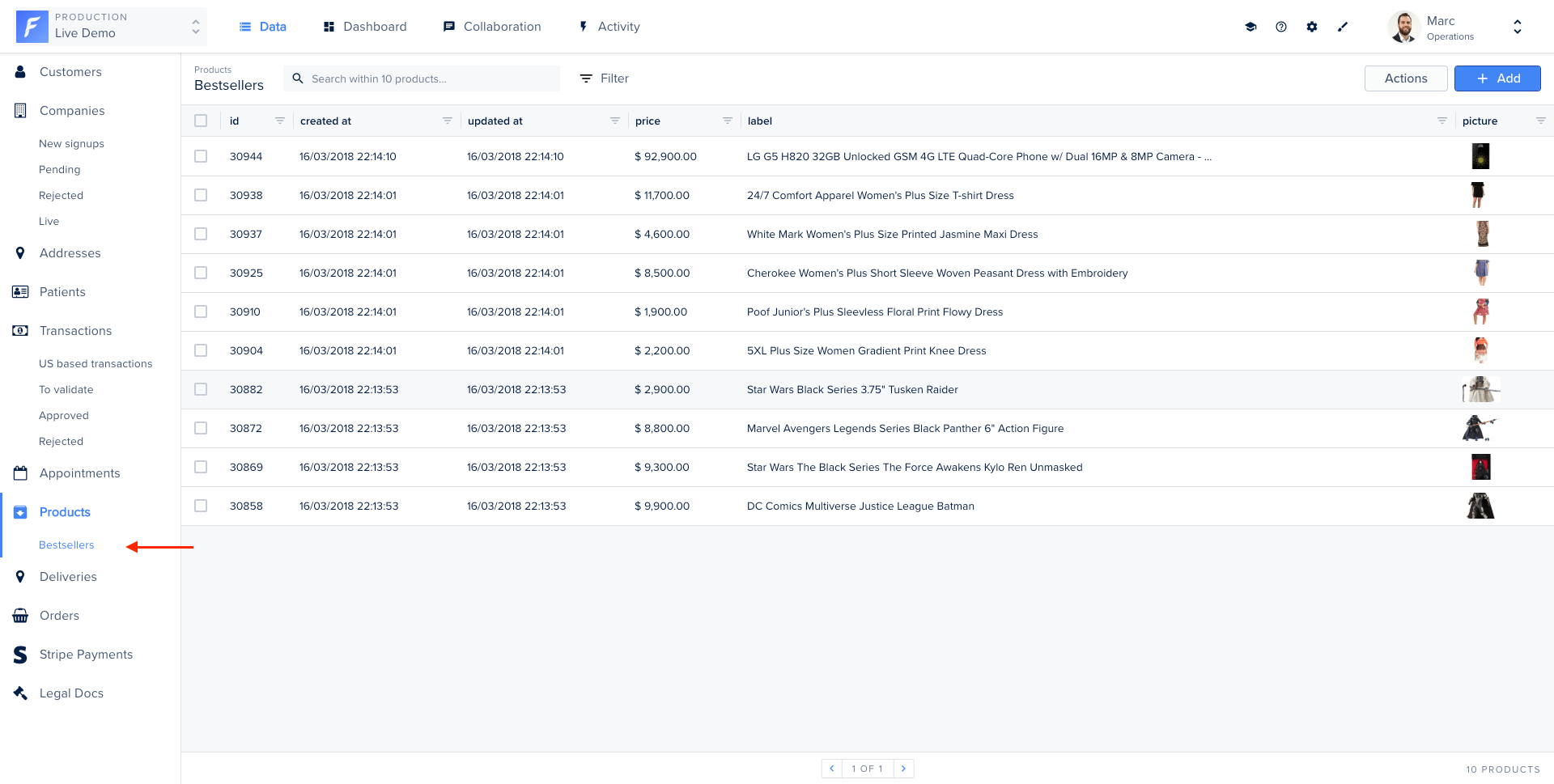
By default, Forest applies the same configuration to all segments of the same collection.
However, the *Independent columns configuration* option allows you to display different columns on your different segments.
### Setting up independent columns visibility
By default, Forest applies the same configuration to all segments of the same collection.
However, the *Independent columns configuration* option allows you to display different columns on your different segments.