> ## Documentation Index
> Fetch the complete documentation index at: https://forest-chore-open-api.mintlify.site/llms.txt
> Use this file to discover all available pages before exploring further.
# Smart Segments
### What is a Smart Segment?
A **Segment** is a subset of a collection: it's basically a saved filter of your collection.
Segments are designed for those who want to *systematically* visualize data according to specific sets of filters. It allows you to save your filters configuration so you don’t have to compute the same actions every day.
A **Smart Segments** is useful when you want to use a complex filter, which you'll add as code in your backend.
### Creating a Smart Segment
Sometimes, segment filters are complicated and closely tied to your business. Forest allows you to code how the segment is computed.
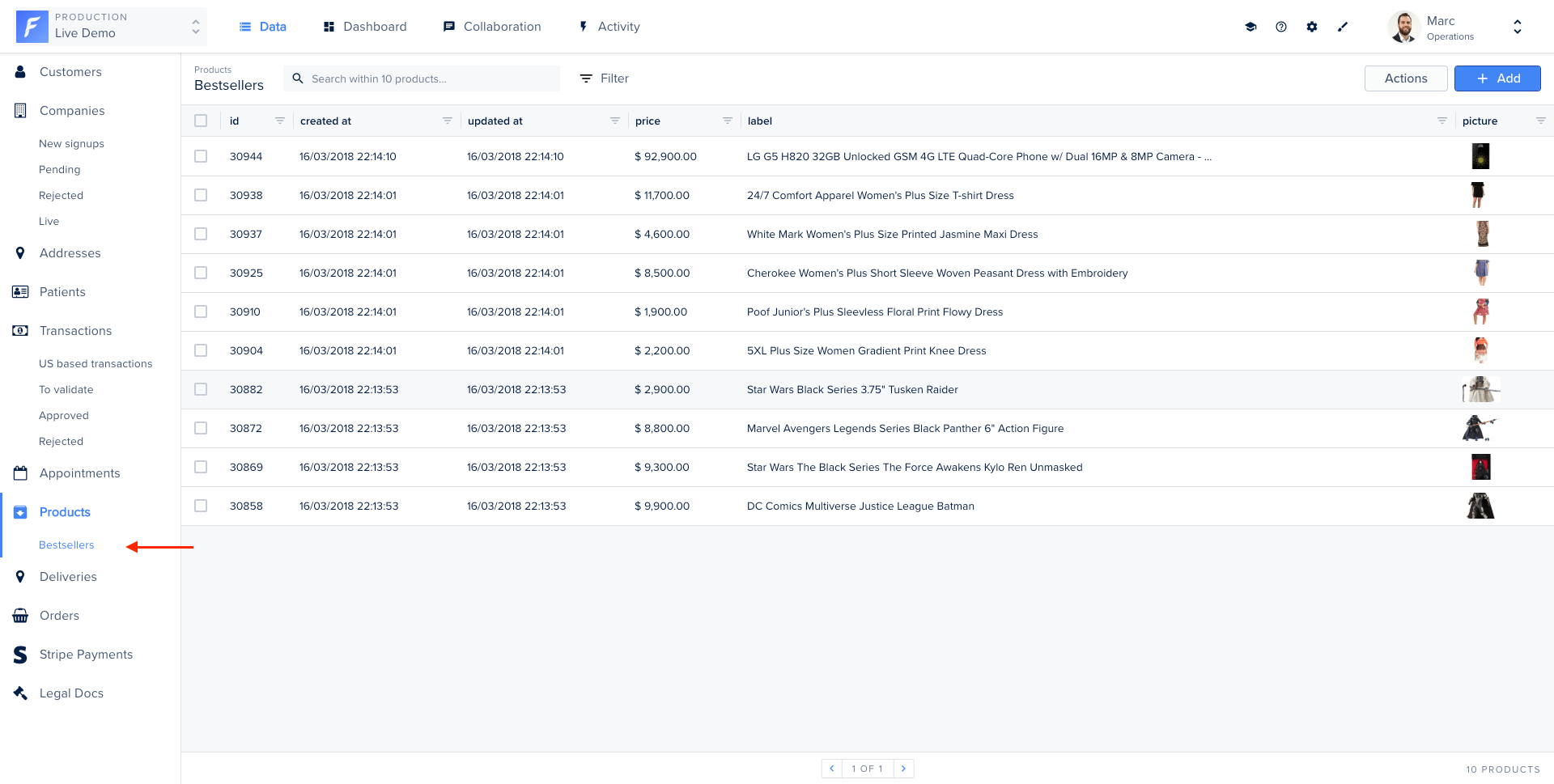
On our Live Demo example, we’ve implemented a Smart Segment on the collection `products` to allow admin users to see the bestsellers at a glance.
You’re free to implement the business logic you need. The only requirement is to return a valid Sequelize condition. Most of the time, your Smart Segment should return something like `{ id: { in: [ 1,2,3,4,5 ] } }`.
On our implementation, we use a raw SQL query to filter and sort the product that was sold the most.
```javascript theme={null}
const { collection } = require('forest-express-sequelize');
const models = require('../models');
const { Op, QueryTypes } = models.objectMapping;
collection('products', {
segments: [
{
name: 'Bestsellers',
where: (product) => {
return models.connections.default
.query(
`
SELECT products.id, COUNT(orders.*)
FROM products
JOIN orders ON orders.product_id = products.id
GROUP BY products.id
ORDER BY count DESC
LIMIT 5;
`,
{ type: QueryTypes.SELECT }
)
.then((products) => {
let productIds = products.map((product) => product.id);
return { id: { [Op.in]: productIds } };
});
},
},
],
});
```
You’re free to implement the business logic you need. Your Smart Segment should return something like `{ _id: { $in: [ 1,2,3,4,5 ] } }`.
```javascript theme={null}
const { collection } = require('forest-express-mongoose');
const { Product } = require('../models');
collection('Product', {
fields: [
{
field: 'buyers',
type: ['String'],
reference: 'Customer',
},
],
segments: [
{
name: 'Bestsellers',
where: (product) => {
return Product.aggregate([
{
$project: { orders_count: { $size: { $ifNull: ['$orders', []] } } },
},
{
$sort: { orders_count: -1 },
},
{
$limit: 5,
},
]).then((products) => {
let productIds = [];
products
.filter((product) => {
if (product._id.length === 0) {
return false;
}
return true;
})
.forEach((product) => {
productIds.push(product._id);
});
return { _id: { $in: productIds } };
});
},
},
],
});
```
```ruby theme={null}
class Forest::Product
include ForestLiana::Collection
collection :Product
segment 'Bestsellers' do
productIds = Product.joins(:orders).group('products.id').order('count(orders.id)').limit(10).pluck('products.id')
{ id: productIds }
end
end
```
Ensure the file app/forest/\_\_init\_\_.py exists and contains the import of the previous defined class :
```python theme={null}
from app.forest.product import ProductForest
```
The 2nd parameter of the `SmartSegment` method is not required. If you don't fill it, the name of your SmartSegment will be the name of your method that wrap it.
 ### Setting up independent columns visibility
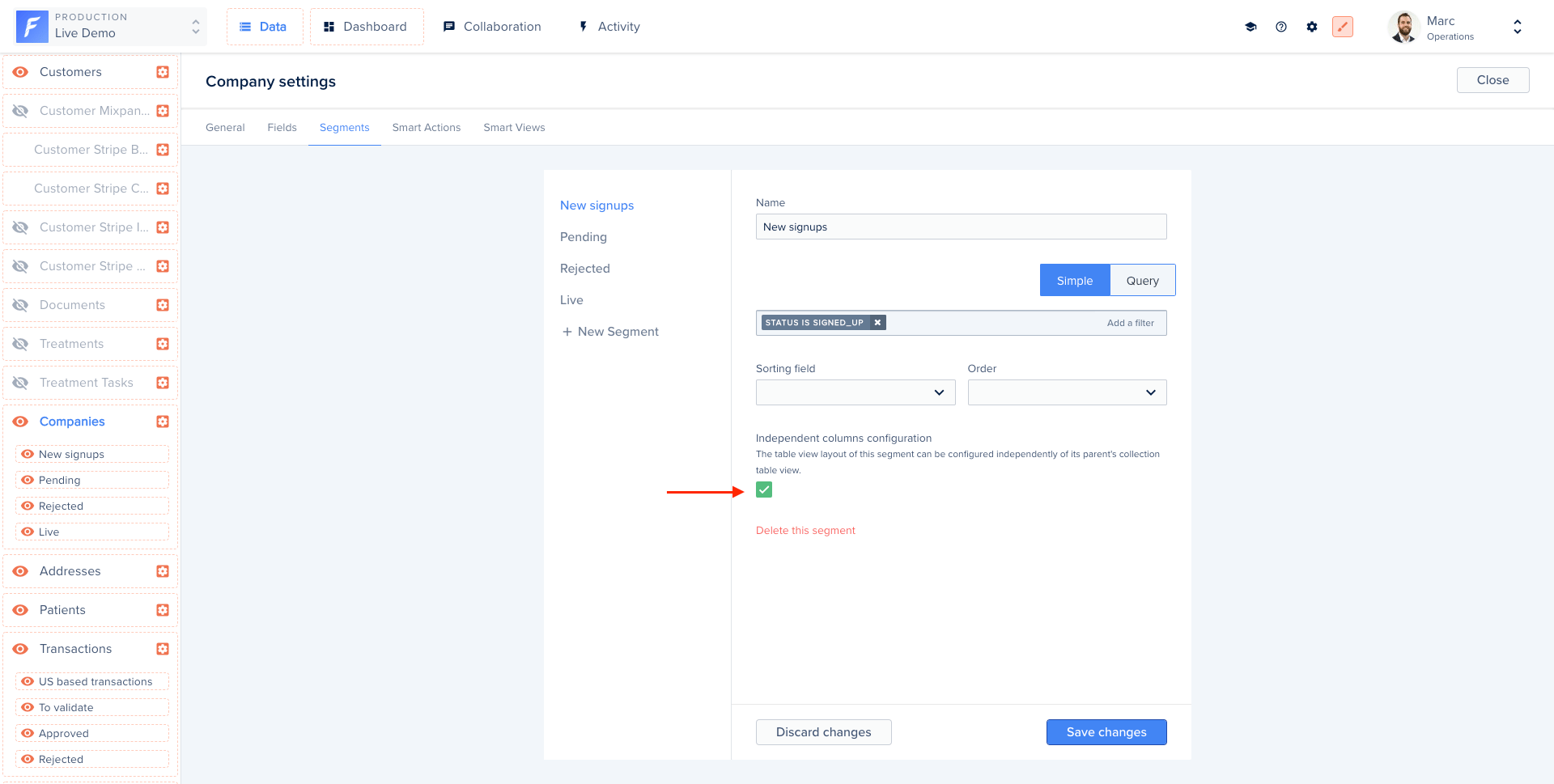
By default, Forest applies the same configuration to all segments of the same collection.
However, the *Independent columns configuration* option allows you to display different columns on your different segments.
### Setting up independent columns visibility
By default, Forest applies the same configuration to all segments of the same collection.
However, the *Independent columns configuration* option allows you to display different columns on your different segments.